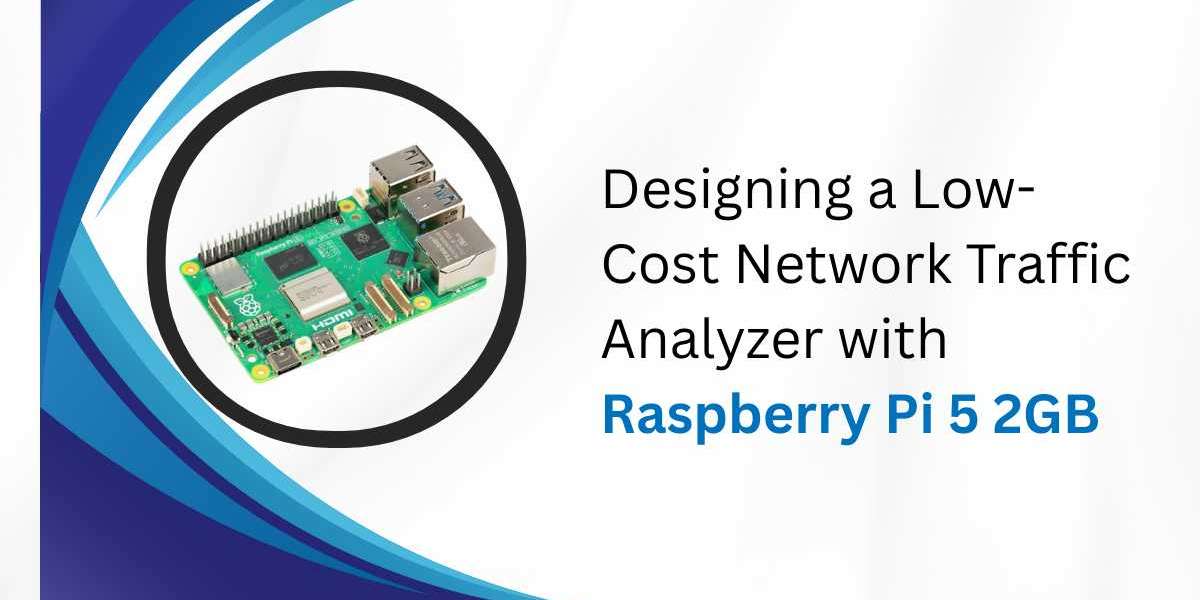
Monitoring network traffic is crucial for modern IT systems. Network traffic analysis helps detect congestion, improve performance, and secure networks from potential threats. However, commercial network analyzers can be expensive, often costing thousands of dollars. A more budget-friendly option is building a network traffic analyzer using Raspberry Pi 5 2GB. This guide explores how to create an effective, low-cost solution with Raspberry Pi 5 hardware.
Understanding Network Traffic Analysis
Network traffic analysis involves capturing and inspecting the data that flows through a network. This process allows IT professionals to identify performance bottlenecks, detect unusual activity, and maintain overall network health.
Key benefits include:
- Detecting network intrusions and security threats
- Monitoring bandwidth usage
- Tracking application performance
- Planning network capacity for future needs
Studies show that implementing traffic analysis can reduce network downtime by up to 70% and cut troubleshooting time by 60%. For small offices, labs, and home networks, a Raspberry Pi-based solution offers an affordable entry point.
Why Choose Raspberry Pi 5 2GB?
The Raspberry Pi 5 2GB provides a powerful, low-cost computing platform ideal for network monitoring. Its key features include:
- A fast CPU capable of handling packet captures efficiently
- Sufficient memory for small-to-medium traffic analysis tasks
- USB and GPIO ports for flexible connectivity
- Affordable pricing under $60
- Community support and extensive documentation
The Raspberry Pi 5 brings noticeable performance improvements over previous versions, including faster data throughput and better I/O, making it perfect for low-cost network analysis projects.
Essential Hardware Components
To set up a Raspberry Pi-based network analyzer, you need the following components:
1. Core Hardware
- Raspberry Pi 5 2GB:main computing board
- Micro SD Card (32GB or more):storage for operating system and logs
- USB 3.0 Gigabit Ethernet Adapter:to monitor network traffic
- Power Supply:5V, 3A or higher
- Cooling and Case:heatsinks or a small fan recommended
2. Optional Hardware
- USB SSD:for extended logging and storage
- Display and Keyboard:for setup and local management
- PoE Hat:for power over Ethernet if needed
Cost Estimate:
Component | Approx Cost (USD) |
Raspberry Pi 5 2GB | 55 |
USB Gigabit Adapter | 15 |
32GB Micro SD | 10 |
Case and Cooling | 15 |
Power Supply | 10 |
Total | 105 USD |
This setup costs a fraction of commercial network analyzers, making it accessible for small businesses and home labs.
Software Tools for Traffic Analysis
The Raspberry Pi can run a variety of software for network monitoring.
1. Operating System
Use a 64-bit Raspberry Pi OS or Ubuntu Server. Both support necessary drivers and network monitoring software.
2. Packet Capture Tools
- Tcpdump: command-line packet capture tool
- Wireshark: GUI-based analysis for deep inspection
- TShark: command-line version of Wireshark
3. Analysis and Dashboard Tools
- Ntopng: web-based traffic monitoring with live graphs
- Suricata: real-time intrusion detection
- Grafana InfluxDB: advanced dashboards for traffic trends
Each tool serves a different purpose. ntopng is best for real-time dashboards, Suricata detects threats, and Wireshark offers packet-level analysis for in-depth troubleshooting.
Network Setup Options
There are two primary ways to monitor network traffic with a Raspberry Pi:
1. Using a Mirror or SPAN Port
A managed switch can mirror traffic from one port to another. By connecting the Raspberry Pi to the mirrored port, you can monitor all network traffic without affecting operations.
2. Inline Monitoring
The Raspberry Pi can be placed between two network segments to capture traffic passing through. This provides a complete view but adds a potential single point of failure.
Storing and Managing Data
Network traffic data can grow quickly, especially in busy networks. Consider these strategies:
- Rotate log files daily
- Compress older captures to save space
- Store logs on external SSDs or central servers
Proper data management ensures that your Raspberry Pi 5 2GB setup remains efficient and reliable.
Visualizing Traffic Data
Visual dashboards make network analysis easier to understand.
1. Using ntopng
ntopng displays:
- Bandwidth usage per host
- Protocol distribution
- Top talkers on the network
Filters allow focusing on specific IPs, protocols, or time periods.
2. Advanced Visualization
For long-term tracking, integrating InfluxDB and Grafana helps create trend graphs and custom dashboards. These visualizations support network planning and performance assessment.
Security Considerations
Since network traffic can include sensitive information, securing the Raspberry Pi is crucial:
- Restrict access to dashboards using strong passwords
- Use firewall rules to control traffic
- Place the Pi on a management VLAN
- Limit access to logs to authorized personnel
These steps prevent unauthorized access and ensure data privacy.
Performance Expectations
The Raspberry Pi 5 2GB can handle:
- 100 to 300 Mbps sustained packet capture with standard monitoring
- Up to 800 Mbps with optimization and USB Ethernet adapters
While not comparable to enterprise multi-gigabit analyzers, this performance is sufficient for small offices, home labs, and experimental setups.
Use Cases for Raspberry Pi 5 Network Analyzer
1. Small Office Monitoring
- Detect slow applications
- Identify bandwidth-heavy devices
- Monitor VoIP or video call quality
2. Home Network Insights
- Track which devices use the most bandwidth
- Learn how applications communicate
- Detect unusual traffic or possible intrusions
The Raspberry Pi 5 2GB provides a cost-effective platform to gain real insights into network traffic.
Common Challenges
1. High Traffic Loads
Large networks may overwhelm the Raspberry Pi. Solutions include:
- Sampling packets to reduce load
- Deploying multiple Raspberry Pis for distributed monitoring
2. Storage Management
Network captures can quickly consume space. Rotate logs and compress old files.
3. Limited Resources
Heavy analysis can strain CPU and memory. Use lightweight monitoring tools and avoid capturing unnecessary protocols.
Maintenance and Updates
To maintain reliability:
- Apply regular OS and software updates
- Update intrusion detection rules
- Monitor storage usage and clean old logs
- Reboot the Pi periodically to prevent memory issues
Routine maintenance keeps the analyzer efficient and secure.
Cost Benefits
The total cost of this setup is approximately $105, including Raspberry Pi 5 2GB, adapters, and storage.
By comparison, commercial network analyzers range from $2,000 to $10,000, demonstrating the cost-effectiveness of this solution for small-scale networks.
Conclusion
Building a network traffic analyzer with Raspberry Pi 5 and Raspberry Pi 5 2GB provides a practical, low-cost method for monitoring network health. It allows small offices, IT hobbyists, and home labs to capture, analyze, and visualize traffic in real-time.
The project not only reduces costs but also teaches valuable skills in network management and security. With proper setup, secure configuration, and regular maintenance, a Raspberry Pi-based analyzer can be a powerful tool for network insights.